
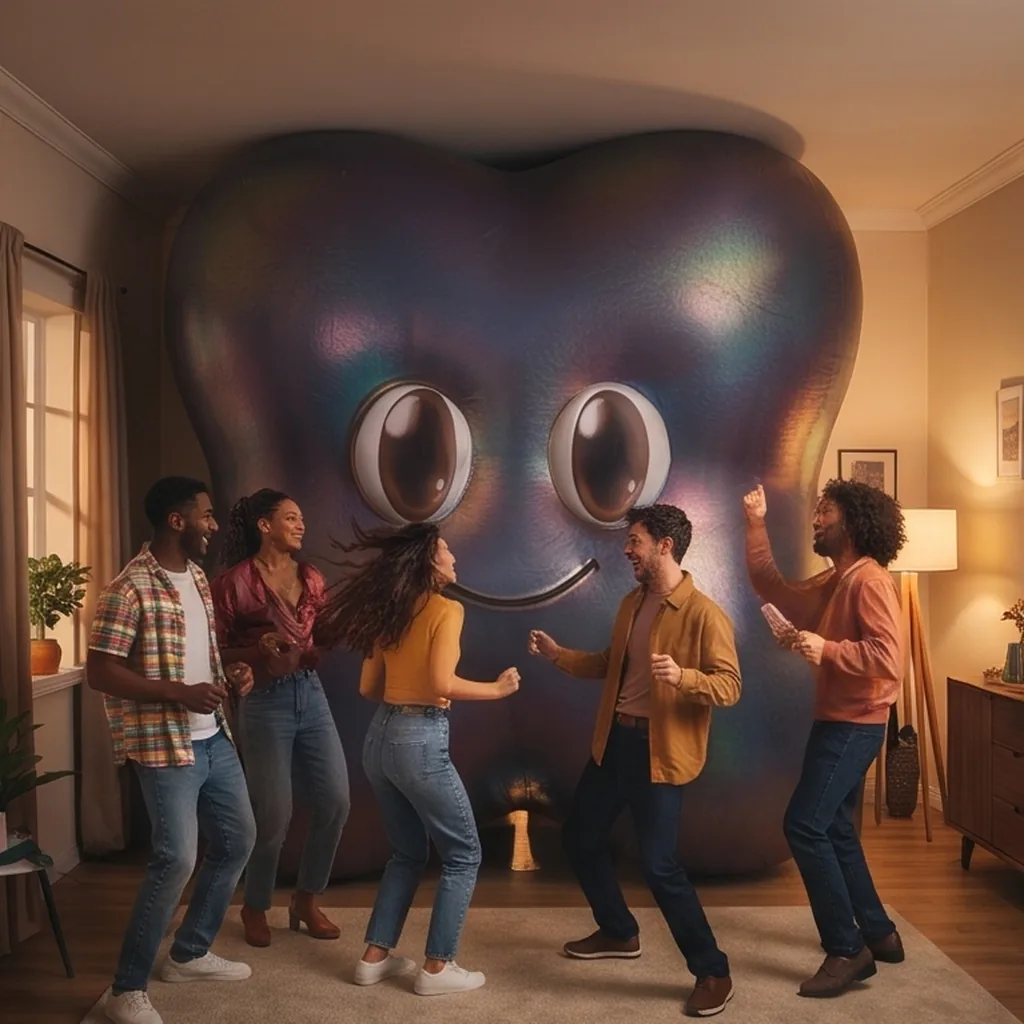
Stop guarding the aux. Let the whole room DJ.
Maya turns your party into one shared song queue. Guests add songs from their phones and vote, and the room’s favourites play next.
Ready in ten seconds. Sign in with your email, or jump in as a guest.


Kitchen disco
Tonight: disco, funk and one ABBA song too many


September
Earth, Wind & Fire
Up next
 Get LuckyDaft Punk, Pharrell WilliamsLeoScore 9
 Dancing QueenABBANinaScore 7
 Alors on danseStromaeZoëScore 6
 EspressoSabrina CarpenterPriyaScore 4
 Hey Ya!OutkastSamScore 3

Play from the app you already use
- Spotify
- Apple Music
- YouTube
Sound familiar?
Every party has the same music problem
One phone, one DJ
Whoever holds the aux picks every song, and everyone else waits for a turn that never comes.
Requests shouted over the chorus
“Can you put on…?” Half of them get forgotten, the other half interrupt a song people loved.
The group playlist nobody opens
Someone made a shared playlist last week. Tonight it’s too long, in the wrong order, and nobody can find it.


The fix
One queue the whole party shares
Everyone gets a say. You keep the last word.
Anyone can add a song
Search, or paste a link from Spotify, Apple Music or YouTube. It lands in the queue straight away.
Votes decide what plays next
Tap up or down. The queue reorders live on every phone, so the songs the room wants rise to the top.
You stay the host
Play from your own app, lock a song as next, and quietly hide a song or mute a guest. Nobody gets told.
How it works
Three steps, and the music sorts itself out
No setup, no playlists to build.
1.Share the link
Put the QR code on the TV or drop the link in the group chat.
2.Everyone adds and votes
Guests search for a song or paste a link, then vote. The queue sorts itself out.
3.You play what the room wants
Open the top song in Spotify, Apple Music or YouTube with one tap. You stay in charge of what plays.
Made for nights like these
Birthdays
Every guest brings their song. The birthday person still gets the last word.
House parties
QR code on the TV, and the queue runs itself all night.
Long dinners
Quiet songs while you eat, louder ones once the plates are cleared.
Team nights
Nobody has to be the DJ, and everybody gets a say.


What it costs
Questions hosts ask
Does Maya play the music?
No. You play songs from your own app: Spotify, Apple Music, YouTube or djay. Maya keeps the queue and opens the top song in your app with one tap.
Do my guests need an app or an account?
No app. They open the link or scan the QR code, then sign in with their email (a one-time code, no password) or continue as a guest with a first name and a character.
What if someone adds something awful?
You can hide any song or mute a guest from your host controls. It happens quietly, without telling anyone.
Can I put the queue on the TV?
Yes. TV mode shows what’s playing, what’s next and a QR code so new guests can join.
How do I get back to my party later?
When you start a party you get a private host link that works on any device. This browser also remembers it under Your parties.
Is it really free?
Yes. No trial, no card and no ads.
What does Maya keep about me?
Very little: the name and character you pick, the songs you add and your votes. The privacy page has the details.
Got a party this weekend?
Set up the queue in ten seconds and share the link before the first guest arrives.